
Examples of work agentic AI can automate 5 of 7
Adjusting production lines and delivery dates after equipment stops
At a fictional factory, equipment on line B stops at 10:20. Another 480 units of product P-12 are needed for the next day's shipment. AI can prepare alternatives, but a manager decides whether to change the production plan.
All companies, people, amounts, times, records and screens here are fictional illustrations, not customer evidence or a claim of deployed features.
01 / Trigger
The information the team first sees
Illustrative workflow screen
Line B: P-12 · 480 remaining
- Current
- Line B stopped / restart time unknown
- Alternative
- Line C: four-hour window from 14:00
- Constraint
- 60-minute setup / quality check required
Factory, product, quantities, times and equipment status are fictional.
02 / Manual workflow
An open time slot is not enough to choose a new line
A manager must compare outstanding orders, downtime estimates and every line's schedule. Setup, quality requirements and staffing also affect the delivery date.
Identify affected orders
Check P-12 balance, dispatch time and competing order priorities.
Compare capacity and limits
Verify line C availability, setup time, staffing and quality checks with the floor.
Coordinate the changed plan
After a decision, align production, quality, dispatch and sales; update the plan ledger.
03 / AI workflow
AI assembles alternatives; the manager chooses
After a downtime alert, AI reads orders, line schedules, staffing and quality requirements. It asks the floor for the restart estimate and presents each alternative with delivery and competing-order impact.
Compare alternatives
Compare moving to line C, waiting for B and splitting production under the same constraints.
Wait for manager decision
A proposal does not modify the plan. Show delivery, quality and other-order impact for approval.
Apply the confirmed plan
Update only the approved allocation, notify stakeholders and read back records.
Here the manager chooses line C. Only then does AI update the plan, send the confirmed schedule to production, quality, dispatch and sales, and compare quantities and times across records.
04 / Information flow
From downtime to a confirmed production plan
A manager's decision separates proposal from plan modification.
Sources
Equipment status alerts
Orders and dispatch schedule
Line, staff and quality rules
Check · decide · act
1Compare constraints and impact
2Present alternatives
3Update after decision
Records and recipients
Production plan ledger
Production, quality, dispatch, sales
05 / Checks and exceptions
Check that everyone has the same confirmed plan
Verify the result
AI compares the approved alternative with the updated plan ledger and reads back the allocation of the remaining 480 P-12 units to line C, line C's slot and Q-08 impact. It checks notice recipients and content, then reports to the manager.
The quality check controls dispatch. Approval of a schedule change alone does not release the product for shipment.
When to pause and hand off
If restart time or staffing changes, or quality conditions fail, AI pauses and returns revised options to the manager.
Make coordination and the change decision visible
Consolidating checks and notices across records lets managers decide with delivery and competing-order impact in view. Measure missing notices and plan discrepancies to assess results.
Start with one product group and two lines, limiting the scope of alternatives, manager approval, plan updates and notices.
Talk about your workflowExplore other use cases
View more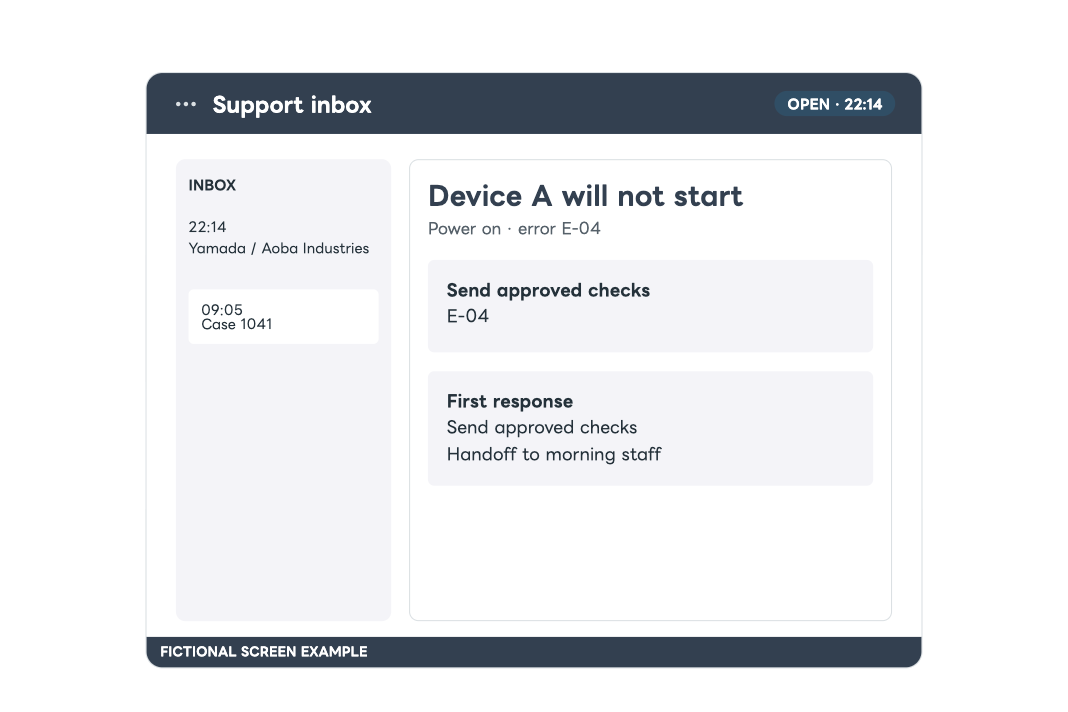
Customer support
First response to after-hours inquiries
Review an inquiry received after hours against response rules and earlier cases. Prepare a reply within the permitted scope and hand uncertain cases to staff with the findings.
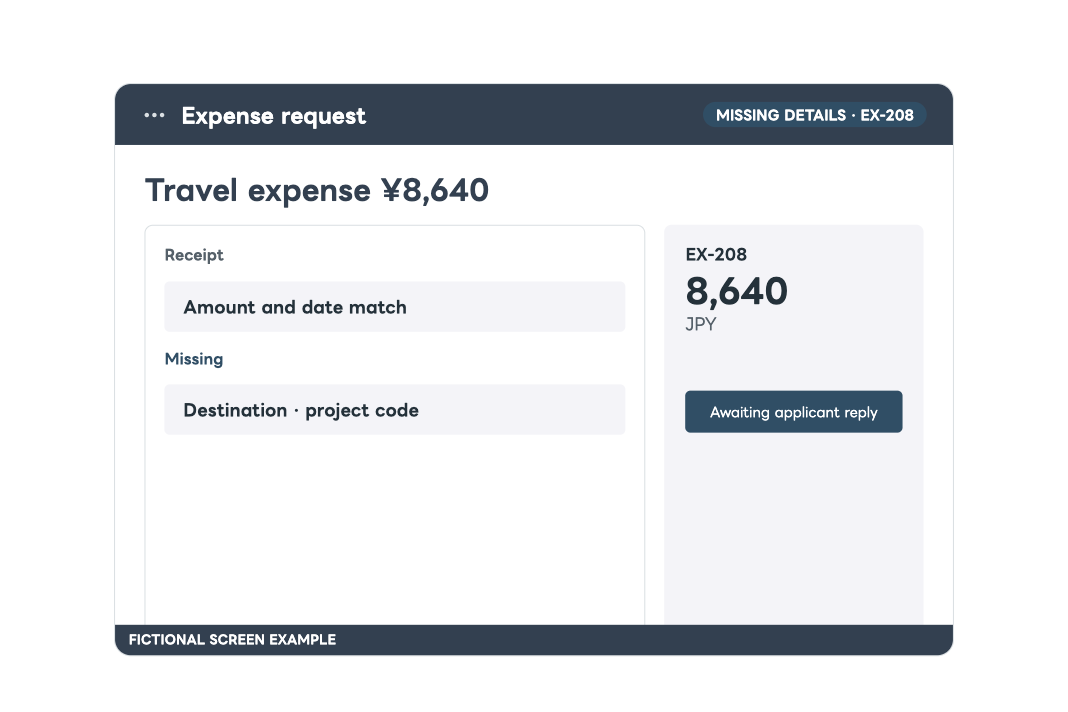
Internal requests
Completing expense applications before approval
Check an application against policy, ask the applicant for missing details, resume after their reply and hand a complete packet to a human approver.