
Examples of work agentic AI can automate 4 of 7
First response to after-hours inquiries
In this fictional support desk, a customer writes at 22:14 that a delivered device will not start. They need it for work the next morning and ask what can be checked tonight. This example covers an initial reply and the handoff to morning staff.
All companies, people, amounts, times, records and screens here are fictional illustrations, not customer evidence or a claim of deployed features.
01 / Trigger
The information the team first sees
Illustrative workflow screen
Device A will not start
- From
- Yamada / Aoba Industries (fictional)
- Product · order
- Device A · ORD-1042 (fictional)
- Message
- Power light is on; screen shows E-04. What can we check before tomorrow morning?
The message, time, product and order number are fictional examples.
02 / Manual workflow
Staff first need to establish what they can safely answer
When staff pick up the message in the morning, the inbox alone is insufficient. They must find the order, product guidance and similar past inquiries, then distinguish approved checks from steps requiring a technician.
Match order and product
Check the delivered model and support terms against the order number; pause if they do not match.
Check permitted guidance
Compare published E-04 instructions and similar cases; exclude disassembly or safety-sensitive steps.
Handoff for morning
Leave the checked facts, gaps and draft reply so morning staff need not repeat the investigation.
If acknowledgment and initial checks cannot happen at night, the customer must wait until morning staff can confirm the next step.
03 / AI workflow
AI prepares the first response and escalates when judgment is needed
The incoming message triggers an agent to compare permitted order data and guidance. Only when the match is established does it send approved checks and an acknowledgment. It does not diagnose the fault or promise a replacement.
Receive and match
Compare inquiry, order, product guidance and past cases; record the sources.
Conditional first reply
Send an acknowledgment and safe checks only within an approved template; hold ambiguous replies as drafts.
Morning review
Hand the findings and reply history to staff for a decision on further action.
Here the order and guidance match, so only the first response is sent. Morning staff decide the diagnosis and any repair or replacement. If the conditions fail, AI holds the reply for human review.
04 / Information flow
From inquiry to first reply and handoff
Whether AI can send a reply depends on the company's approved guidance and the match results.
Sources
Support inbox
Order and delivery ledger
Product guidance and similar cases
Check · decide · act
1Match case and sources
2Apply reply conditions
3Record findings and reply
Records and recipients
Customer first reply (if eligible)
Morning staff review
05 / Checks and exceptions
Verification and stop conditions
Verify the result
Before replying, the agent checks the order, model, guidance version and sending conditions. It then reads back the sent record and case status for the morning team.
People decide the cause, warranty and replacement. A completed first reply does not mean those decisions are complete.
When to pause and hand off
If the order cannot be matched, guidance conflicts or safety is at issue, AI holds the reply and hands the findings to a person.
Move after-hours intake forward while preserving decisions
Customers can receive an acknowledgment and safe checks sooner, while staff receive investigated context. Measure reply time and repeated morning research to assess the effect.
Start with one product group and approved guidance. Define sending, hold and handoff rules for the actual workflow.
Talk about your workflowExplore other use cases
View more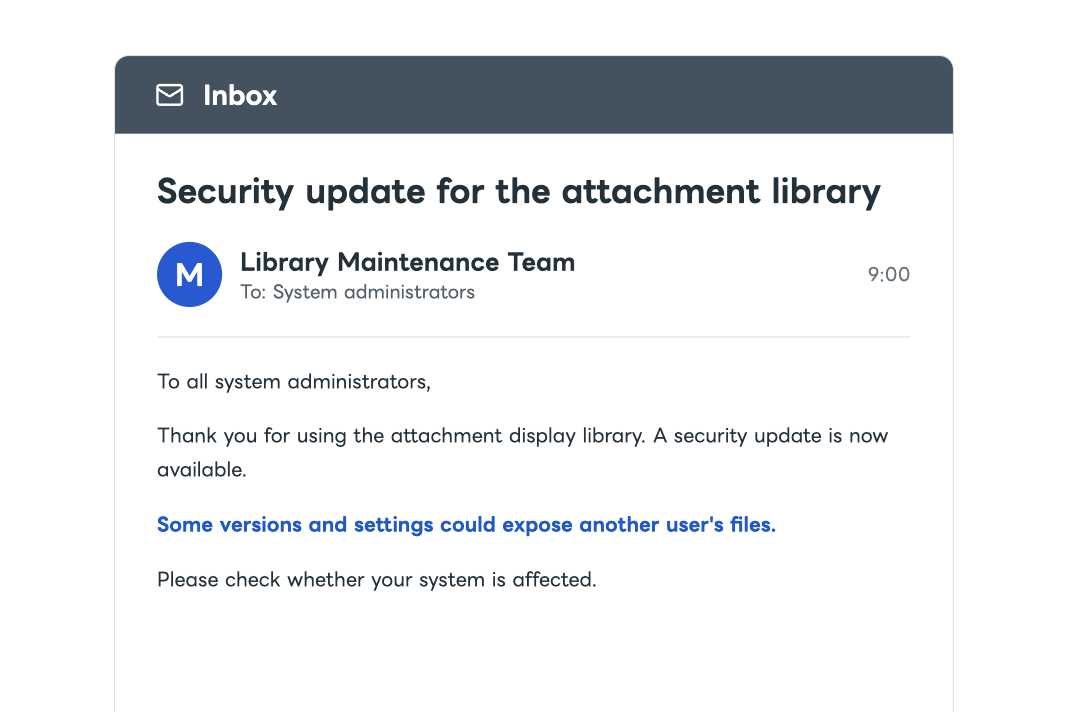
System operations
Investigation and response to security risks affecting your systems
AI compares external security information with your internal system configuration. It assesses whether action is needed and prepares an update and verification plan. It follows the approved plan, checks that systems operate correctly, updates configuration records, and reports the results.
Production planning
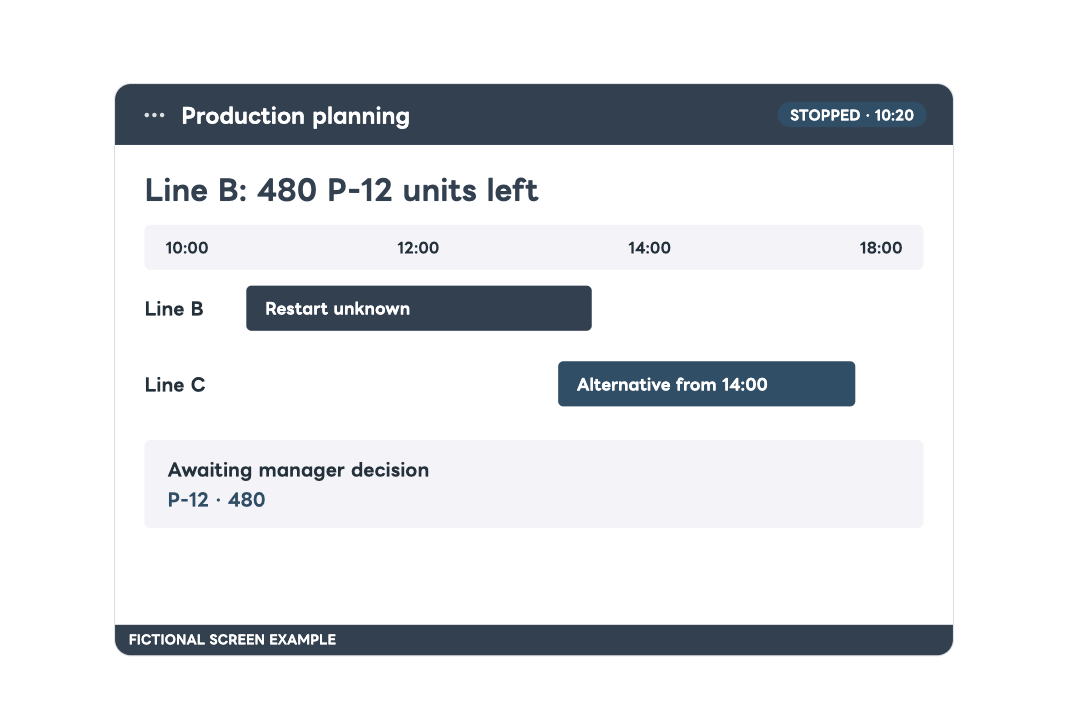
Adjusting production lines and delivery dates after equipment stops
After equipment downtime, compare orders and line capacity, prepare alternatives and delivery impact, then notify stakeholders once a manager decides.