
Examples of work agentic AI can automate 7 of 7
AI prepares monthly invoices and sends them after human checks
A fictional October project reaches its billing cutoff. The time log shows 96 hours, but a two-hour correction is outstanding. This example separates staff confirmation of work from a responsible person's final invoice check.
All companies, people, amounts, times, records and screens here are fictional illustrations, not customer evidence or a claim of deployed features.
01 / Trigger
The information the team first sees
Illustrative workflow screen
Invoice draft for Aoba Industries (fictional)
- Work log
- 96 hours (two hours under correction)
- Contract rate
- ¥10,000 / hour (fictional)
- Recipient
- Checking contractual billing recipient
Customer, hours, rate, amounts, month and records are all fictional.
02 / Manual workflow
Confirming work and approving an invoice are separate jobs
Project staff reconcile work logs and corrections to settle billable hours. Billing staff then apply the contract rate and terms, and a responsible person checks amount, contents and recipient.
Confirm work
Ask project staff about the two-hour correction and settle 94 billable hours.
Apply contract terms
Check rate, period, tax treatment and billing recipient against the contract.
Separate pre-send check
Have a responsible person check the invoice before sending and retain the sent record.
03 / AI workflow
AI handles preparation with two human checks
At cutoff, AI aggregates work logs, asks project staff about pending corrections and drafts against the contract only after the hours are settled. Sending remains blocked until a separate responsible person reviews the invoice.
Staff confirm work
Apply the correction, settle the period and 94 hours, and record confirmation.
AI prepares invoice
Match rate and recipient and draft 94 hours × ¥10,000, using the agreed tax settings.
Owner checks before sending
Send only after approval of amount, contents, recipient and attachment; read back the history.
Here project staff confirm 94 hours and a separate owner checks the invoice draft. AI sends to the approved recipient, then saves and checks the invoice number, destination and send time.
04 / Information flow
From cutoff to a recorded send
Work confirmation and send approval belong to different people.
Sources
Work logs and corrections
Contract and rate
Billing recipient record
Check · decide · act
1Staff confirm work
2Prepare invoice draft
3Owner pre-send check
Records and recipients
Invoice to approved recipient
Invoice and send history
05 / Checks and exceptions
Record both checks and the send result
Verify the result
AI drafts from the staff-confirmed 94 hours and contractual rate and reads back the calculation. It separately retains the owner's check of amount, content, recipient and attachment.
After sending, it compares invoice number, recipient, time and delivery status with the saved record. A failed send is reported, not counted as complete.
When to pause and hand off
If work remains unsettled, terms are ambiguous, recipient changes or the owner rejects the draft, AI does not send and returns it to people.
Reduce reconciliation work while preserving billing responsibility
The workflow can connect work aggregation, contract checks and send records. Assess it with correction count, time from cutoff to sending and missed sends.
Start with one contract and one rate. Tax calculation, recipient changes and exceptional billing follow the existing human review process.
Talk about your workflowExplore other use cases
View more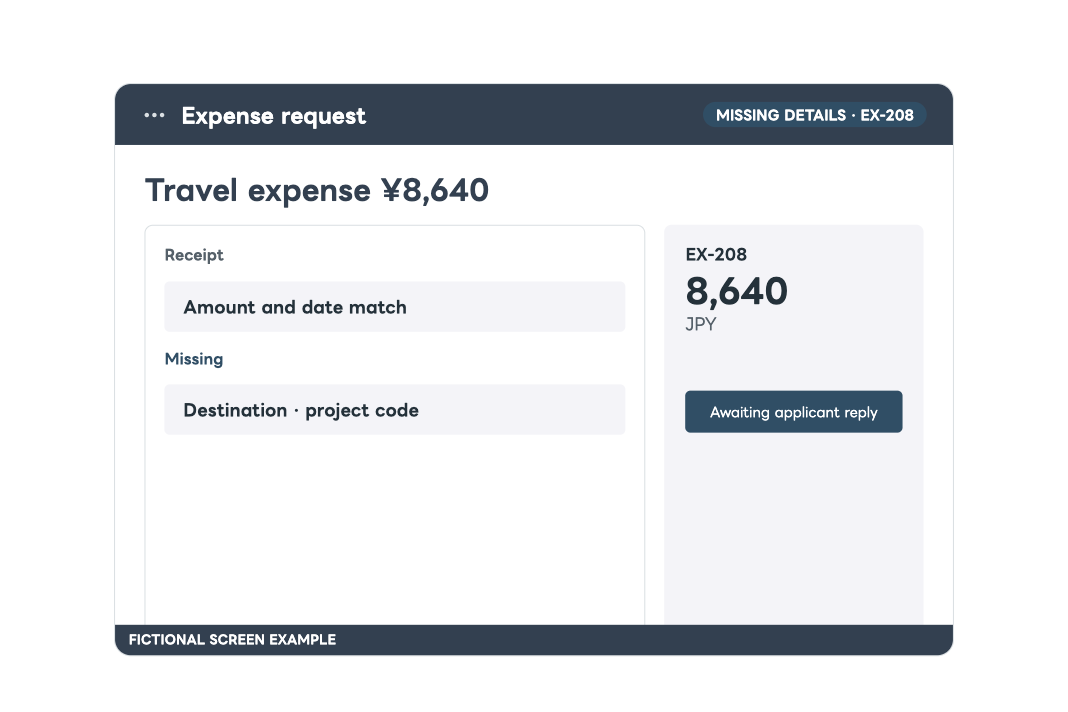
Internal requests
Completing expense applications before approval
Check an application against policy, ask the applicant for missing details, resume after their reply and hand a complete packet to a human approver.
Order and stock checks
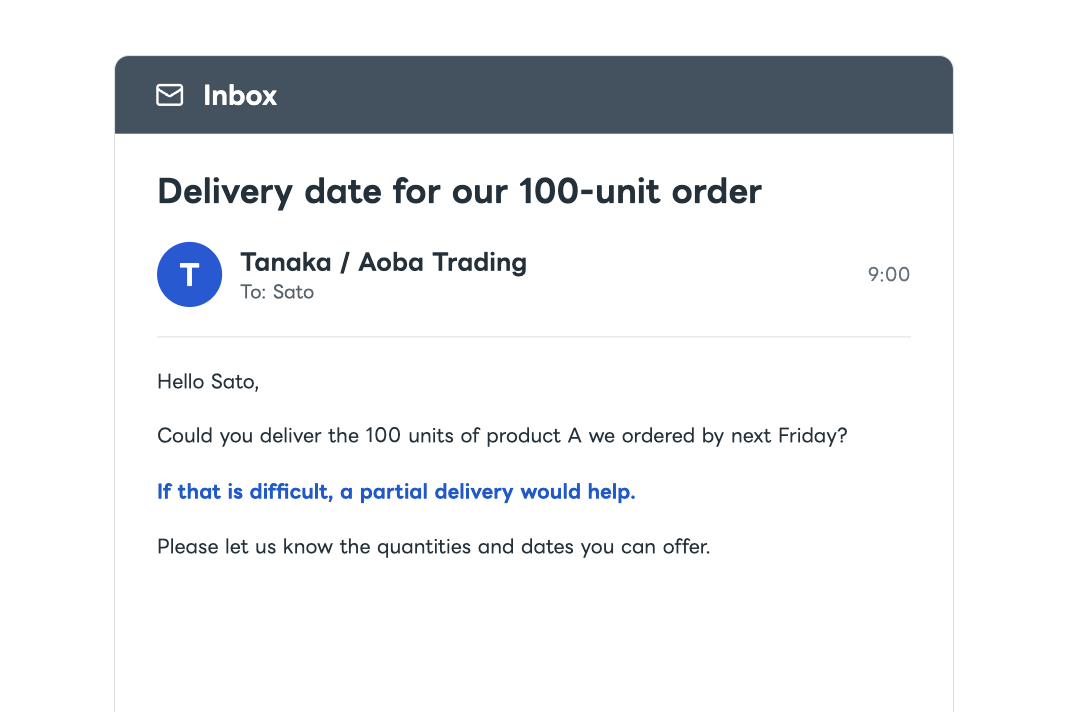
Coordination and arrangements for delivery dates and split shipments
When a customer asks to change a delivery date or split a shipment, AI checks orders, stock, and expected arrivals. It asks colleagues for missing information and prepares a reply and arrangements. After approval, it applies the changes, verifies them, and reports back.